May 15, 2026 / Alternatives / 7 min read
Best WP Job Manager Alternatives in 2026

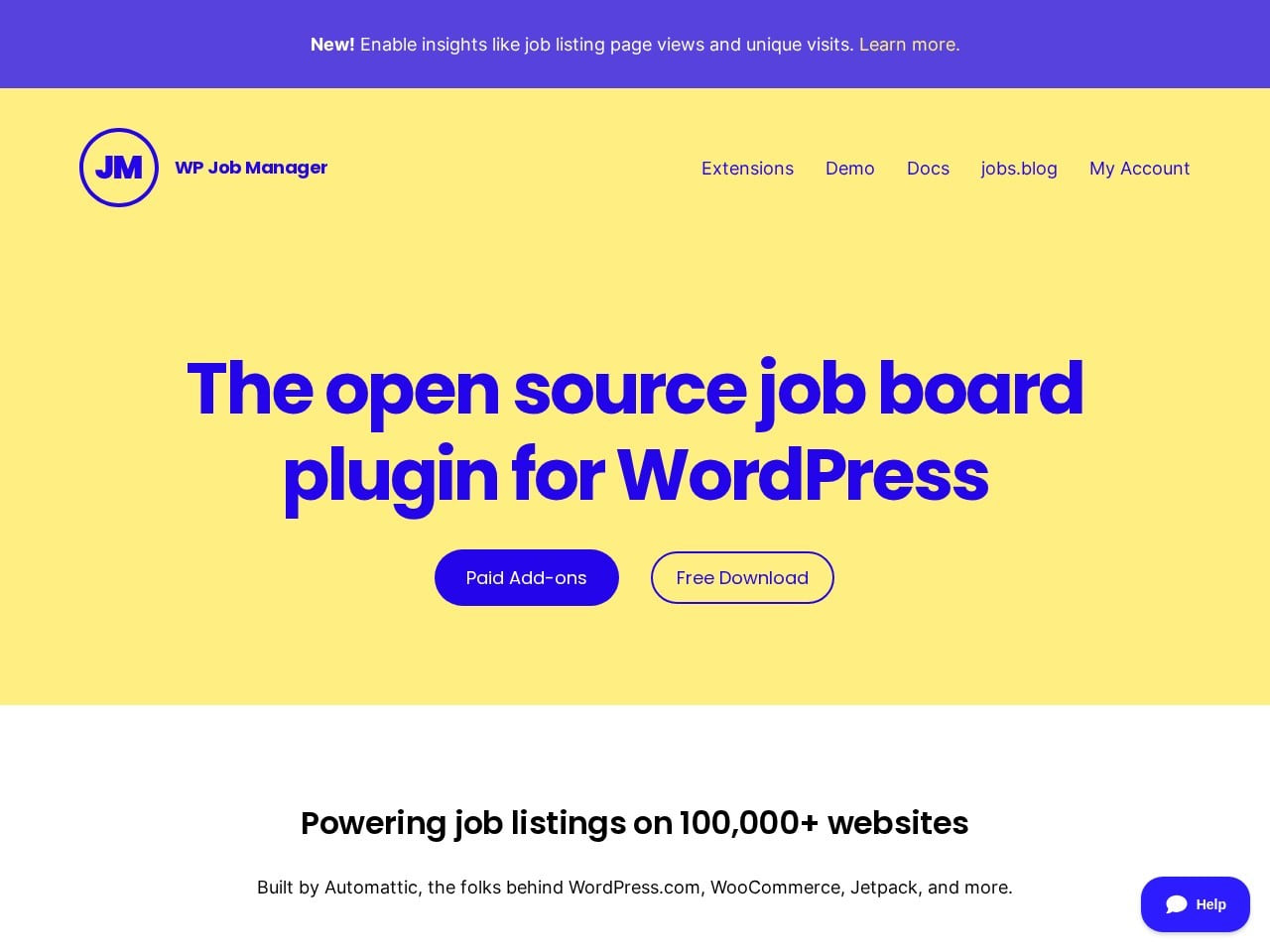
WP Job Manager usually enters the shortlist when buyers are deciding how much stack control they want versus the simplicity of a hosted platform.
Most searches here are about control versus convenience: WordPress or source-code ownership on one side, and a fully hosted workflow on the other. If you are still widening the shortlist, start with our full 2026 job board software comparison and pair it with the job board SEO guide before making the final product call.
Current platform
When WP Job Manager is still the right fit
Choose WP Job Manager if you already run WordPress, are comfortable maintaining it, and want job listings as one more thing your site does.
- Starting price: Free core | $159/yr The core plugin is genuinely free. It is not the whole cost: you also need WordPress hosting, and most of the functionality a working job board needs sits in paid add-ons licensed per year.
- Best for: WordPress power users
- Trial / buying model: Free core
- Typical shortlist angle: adding job listings to a WordPress site you already run
A plugin and a platform, not two platforms
The most important difference here is not price or features. WP Job Manager is a WordPress plugin. Kardow is a hosted platform. Comparing their prices directly is comparing a component to a finished product, and it is the reason the WP Job Manager number looks so much lower than it turns out to be.
To run WP Job Manager you need a WordPress site already, hosting for it, and someone willing to keep WordPress, its theme, and its plugins updated. If you have all of that, the plugin is close to free and it is a genuinely good piece of software with a long track record. If you do not, "free plugin" is describing one part of a stack you would have to assemble first.
The add-ons are where the sticker price stops being useful. The free core lists jobs. Taking applications, managing resumes, selling listings through WooCommerce, and sending job alerts are separate paid add-ons, licensed annually rather than bought once. Those are not luxuries, they are most of what makes a job board a business rather than a noticeboard, and they are all included by default in the hosted platforms it gets compared to. Price the add-ons you actually need, add hosting, and the gap narrows a long way.
None of that is a criticism of the plugin. It is doing exactly what a plugin should: one job, done well, inside a system you already run. The mistake is reading it as the cheap version of a job board platform when it is a different category of thing.
So the split is clean. If you already run WordPress, enjoy running WordPress, and want to bolt job listings onto a site that exists, WP Job Manager is a sensible choice and you should stop comparing it to hosted platforms. If you do not have a WordPress site, or you would rather not be responsible for updates, backups, and security on the thing your revenue runs through, you are not really choosing between these two products. You are choosing whether to become a WordPress administrator.
Shortlist: 4 tools worth comparing if you are leaving WP Job Manager
This page stays intentionally narrow. People searching for WP Job Manager alternatives do not need a dump of every tool on the market. They need the strongest replacements for the specific problems that usually trigger a switch.
| Platform | Starting price | Best for | Why compare it |
|---|---|---|---|
 Kardow
Best overall alternative
Kardow
Best overall alternative
| From $79/mo | Operators wanting advanced AI features and deep customization | Worth comparing if you want operators wanting advanced ai features and deep customization with AI-led site customization and flat pricing. |
|
| From $40/mo | Budget-conscious entrepreneurs | Worth comparing if automation, XML imports, or large-scale aggregation matter more than general site customization. |
|
| Free + 10% commission | Tech communities and open source ecosystems | Worth comparing if automation, XML imports, or large-scale aggregation matter more than general site customization. |
|
| From $45/mo | Non-technical entrepreneurs needing turnkey niche boards | Worth comparing if automation, XML imports, or large-scale aggregation matter more than general site customization. |
The shortlist above covers the most common paths: switching to a more modern all-round platform, moving to a simpler hosted board, or choosing a tool that is better aligned with a narrow business model.
Performance benchmarks
Job board load speed affects both candidate experience and search ranking. The data below comes from Google PageSpeed Insights tests on real job boards deployed on each platform, not the platform's own marketing site.
WP Job Manager
LCPn/a
TBTn/a
SIn/a
Why teams leave WP Job Manager
The decision usually comes down to workflow friction, monetization limits, or the amount of manual work needed to keep the board updated and growing.
- WP Job Manager is easy to try at a low entry price, so teams often compare what changes as the board grows or monetization becomes more important.
- Requires WordPress expertise.
- Add-on costs stack up.
Where WP Job Manager still stands out
Choose WP Job Manager if you already run WordPress, are comfortable maintaining it, and want job listings as one more thing your site does.
WP Job Manager is most clearly positioned for adding job listings to a WordPress site you already run.
Choose WP Job Manager if you already run WordPress, are comfortable maintaining it, and want job listings as one more thing your site does.
One of its clearest product angles is frontend submission.
Kardow vs WP Job Manager at a glance
This comparison is for operators who have already narrowed the choice and want a fast read on pricing, AI workflows, monetization, and the operational ceiling of each product.
| Comparison point |
Kardow
|
|
|---|---|---|
|
Starting price
This is usually the first hard filter for teams comparing Kardow and WP Job Manager.
| From $79/mo | Free core | $159/yr |
|
Best fit
This is the clearest signal for who each product is built for.
| Operators wanting advanced AI features and deep customization | WordPress power users |
|
Trial / buying model
Useful for understanding self-serve onboarding versus a more sales-led process.
| 14-day free trial | Free core |
|
Pricing model
Plan structure matters as much as the headline entry price.
| SaaS + AI Builder | Free Core + Paid Add-ons |
|
Platform style
This helps separate hosted SaaS products from WordPress, source-code, aggregation, or institutional workflows.
| Aggregation and automation workflow | WordPress-based workflow |
|
Key angle
A quick snapshot of the clearest product angle each platform brings into the shortlist.
| Full AI website builder chat (modify templates instantly) | Frontend submission |
The strongest alternatives to compare next
Each pick below solves a different buying problem. That is the real job of an alternatives page: help buyers compare distinct routes, not pretend every tool is interchangeable.
Best overall alternative
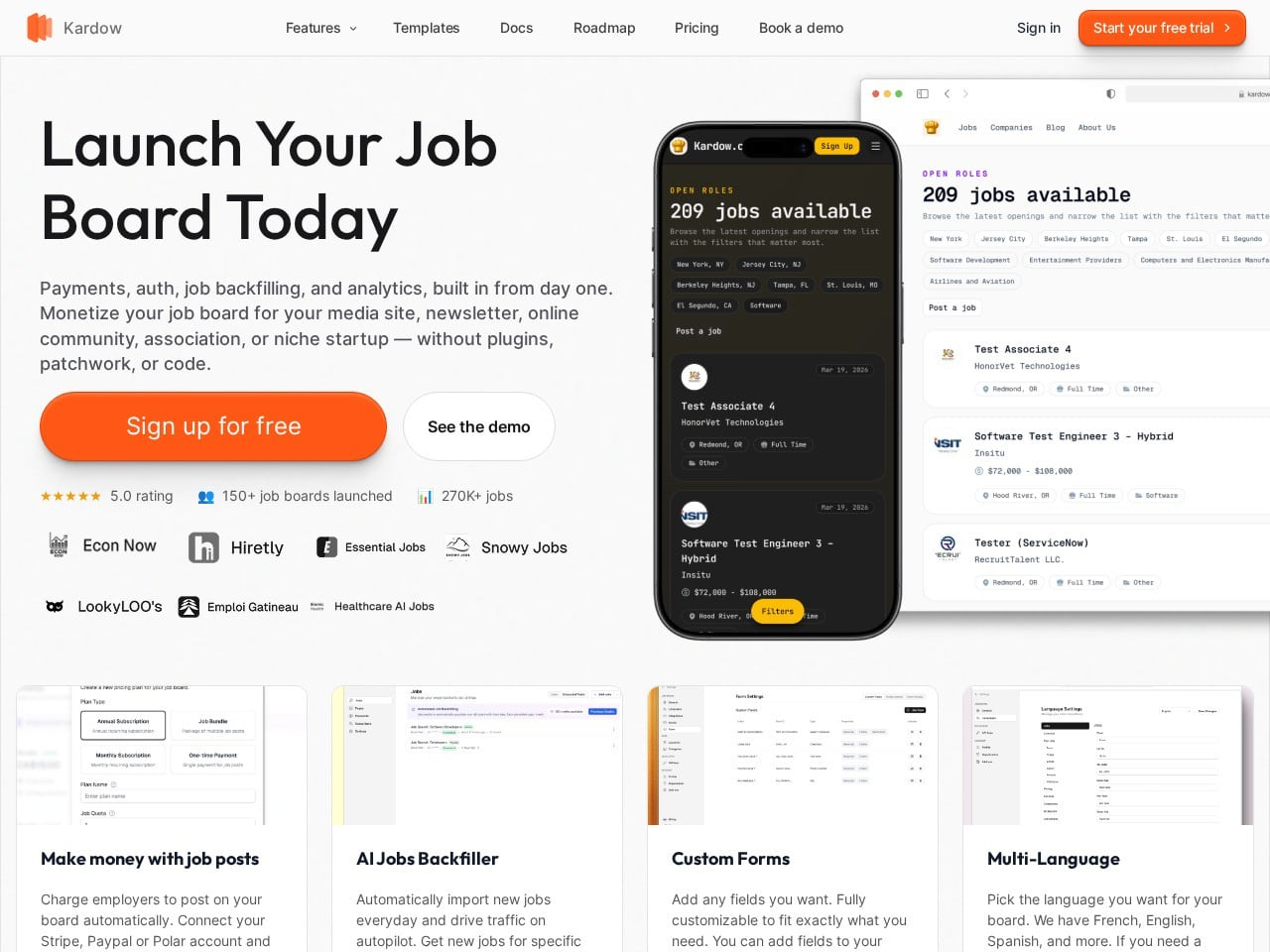
Kardow
Worth comparing if you want operators wanting advanced ai features and deep customization with AI-led site customization and flat pricing.
Best AI-Powered
- Best for: Operators wanting advanced AI features and deep customization
- Pricing: From $79/mo
- Buying model: 14-day free trial
Best for aggregation depth
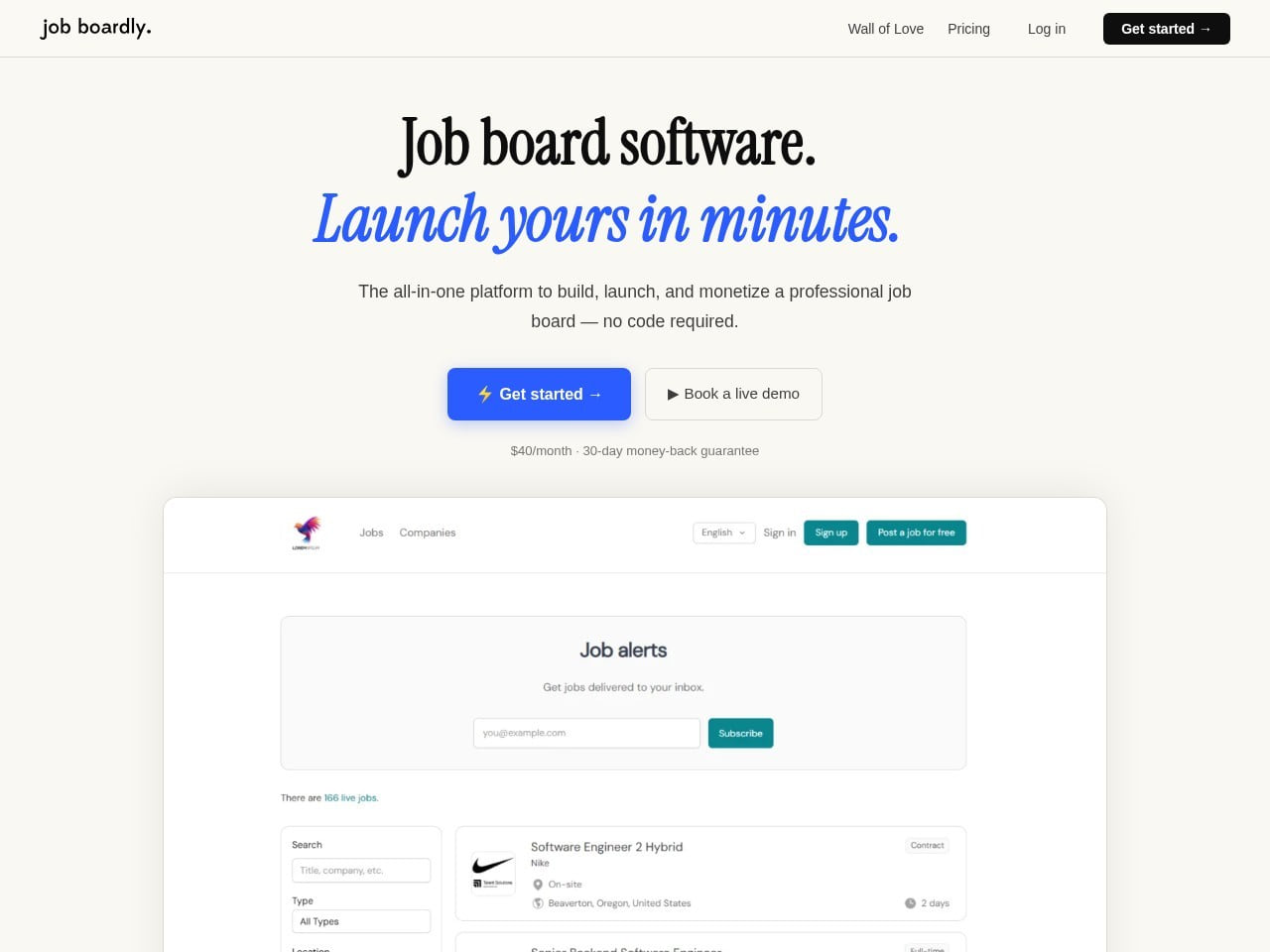
Job Boardly
Worth comparing if automation, XML imports, or large-scale aggregation matter more than general site customization.
Best Budget Option
- Best for: Budget-conscious entrepreneurs
- Pricing: From $40/mo
- Buying model: No public trial
Best for aggregation depth
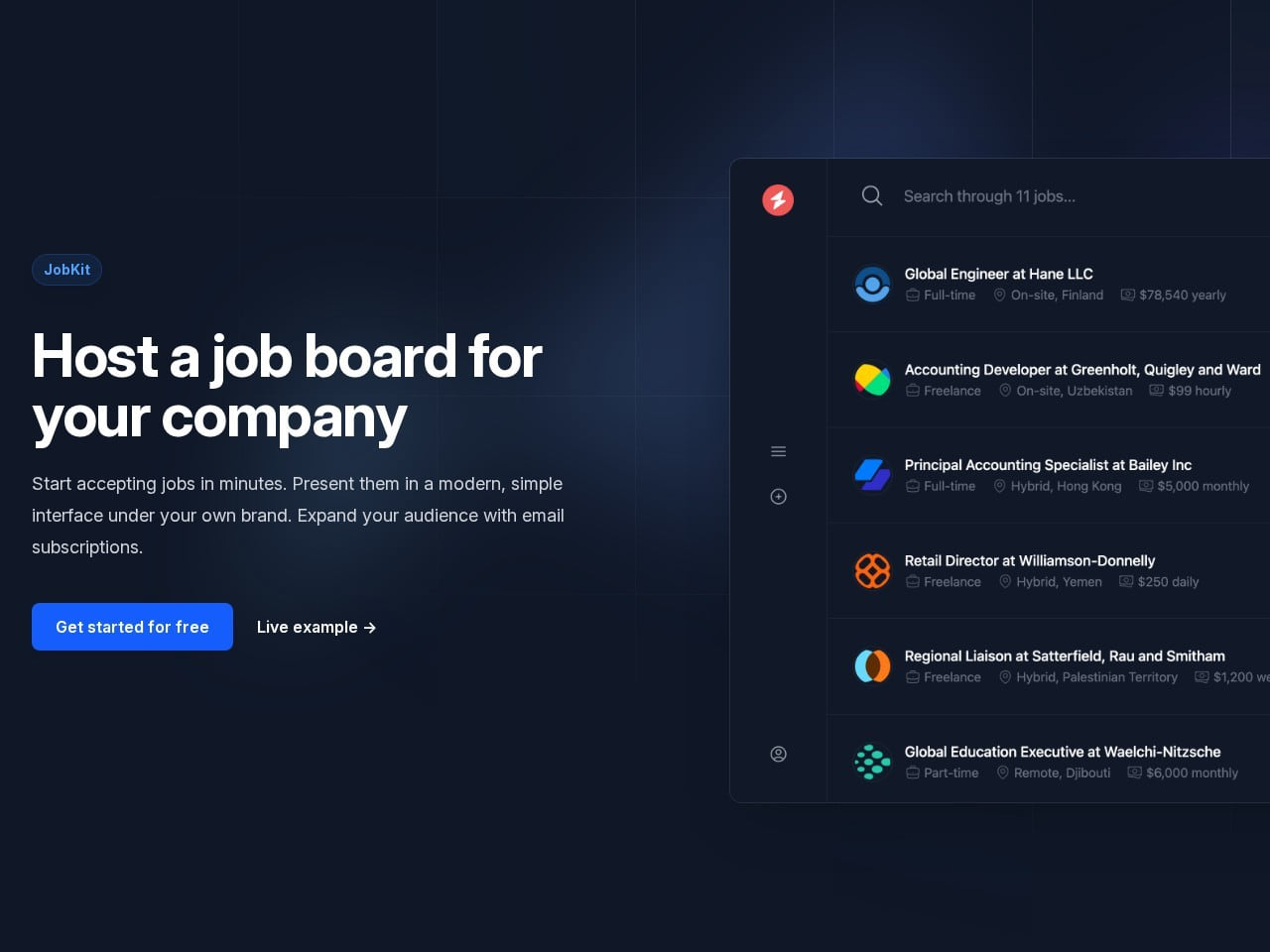
JobKit
Worth comparing if automation, XML imports, or large-scale aggregation matter more than general site customization.
Best Free Option
- Best for: Tech communities and open source ecosystems
- Pricing: Free + 10% commission
- Buying model: No subscription
Best for aggregation depth
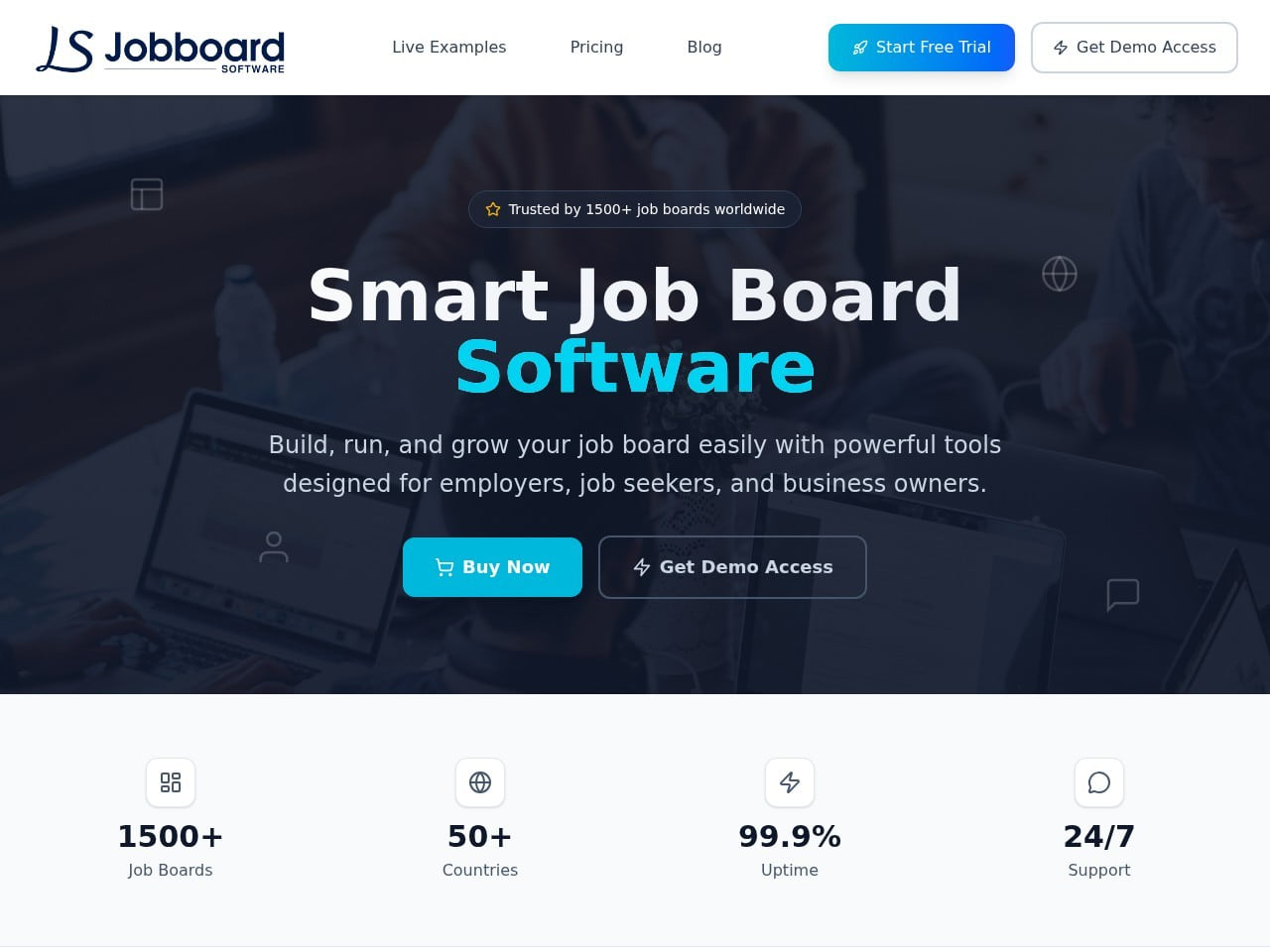
JobBoardSoftware.io
Worth comparing if automation, XML imports, or large-scale aggregation matter more than general site customization.
Best Turnkey Starter
- Best for: Non-technical entrepreneurs needing turnkey niche boards
- Pricing: From $45/mo
- Buying model: 14-day trial
Where Kardow tends to stand out against WP Job Manager
Once you narrow the shortlist, this is the part of the comparison that usually matters most: where Kardow's pricing model, onboarding path, and product setup differ from WP Job Manager in practical terms.
- Kardow is commonly shortlisted here by teams that want AI-led site customization, flat pricing, and a more product-led setup.
- Kardow is positioned for operators wanting advanced ai features and deep customization.
- Kardow currently lists Stripe, PayPal, Polar, and custom invoices as payment options.
Frequently Asked Questions
What is the best WP Job Manager alternative overall?
Kardow is one of the first alternatives worth comparing because it combines operators wanting advanced ai features and deep customization, from $79/mo, and a more product-led setup than many sales-led tools.
What should you compare before leaving WP Job Manager?
Compare the real entry price, how much customization you get without developers, the depth of automation or backfill you actually need, API access, and whether payment flexibility matters for your market.
Is there a lower-cost alternative to WP Job Manager?
Job Boardly is one of the lower-cost options in this comparison, but the right choice still depends on the workflow, customization, and monetization setup you need.
When should you choose WP Job Manager instead of an alternative?
Choose WP Job Manager if you already run WordPress, are comfortable maintaining it, and want job listings as one more thing your site does.
Which WP Job Manager alternative should you look at after Kardow?
Job Boardly is one of the next tools worth comparing because it answers a different use case than Kardow, giving you a clearer sense of whether you need budget pricing, aggregation depth, or an organization-specific feature set.
Use this WP Job Manager shortlist, then test the fit on a real board workflow
The fastest way to judge a platform is to run the workflow you actually care about: launch a board, structure listings, test monetization, and see how much manual work is left over.